


What dpi is best for printing: Choose the Perfect Resolution for Photos
Let's cut right to the chase: for a jaw-dropping, photo-quality print, the magic number is 300 DPI (Dots Per Inch). This is the gold standard in the printing world, and it’s the most important first step to turning your digital photos into a cherished keepsake like a Custom Photo Blanket. Getting this right ensures your precious memories look sharp, clear, and beautiful when printed on soft, cozy fabric, making it the perfect holiday gift.
The Secret to Printing Perfect Photo Blankets
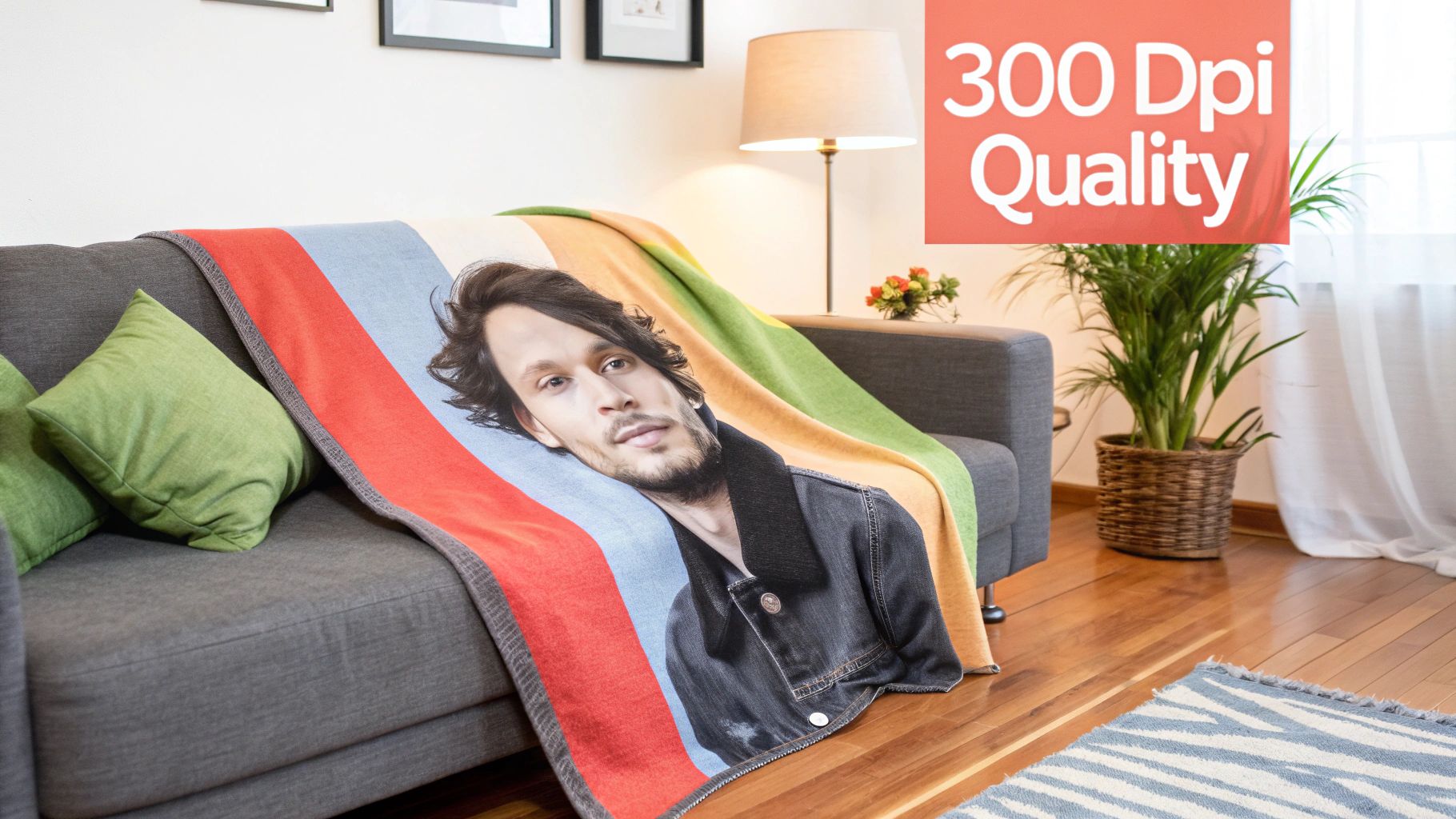
Ever wondered what separates a stunning printed photo from a blurry, disappointing one? It almost always boils down to DPI.
Think of it like building a picture with LEGOs. At 300 DPI, you’re using tons of tiny, dense bricks. The result? A smooth, incredibly detailed image where every line is sharp and every color blends perfectly.
But if you use a lower DPI, it’s like building with big, clunky DUPLO blocks. The final image will look blocky, pixelated, and just plain fuzzy. This is especially true when printing on fabric for a Custom Photo Blanket, where those fine details are what make the final product feel so special, particularly for a heartfelt holiday gift.
Why 300 DPI Became the Gold Standard
By the early 2000s, 300 DPI was cemented as the universal baseline for professional-grade printing, and for good reason. Printers need a certain amount of data—or dots—to accurately recreate an image with ink.
For a printer to render crisp text, smooth gradients, and sharp photographic details without any visible pixelation, it needs enough information to work with. 300 DPI hits that sweet spot, providing the perfect density of data for a flawless print.
The core principle is simple: more dots per inch equals more detail. For a gift that captures a precious memory, like a family portrait on a cozy blanket, maximizing that detail is everything.
To see how printers turn those digital dots into a vibrant, durable image on fabric, it’s worth exploring techniques like sublimation fabric printing. This process actually infuses the ink into the textile fibers, making the image a permanent part of the blanket—brilliant, soft, and built to last.
Why Photos Look Different on Screen and Fabric
Have you ever picked a photo that looked perfectly sharp on your phone, only for it to come out fuzzy and blurred on a printed blanket? It’s a super common problem, and it all boils down to a simple fact: screens and printers speak two completely different visual languages.
Your phone, tablet, or computer screen uses PPI (Pixels Per Inch) to create images. Think of a pixel as a tiny, colored lightbulb. Screens only need about 72 of these little lights per inch to trick our eyes into seeing a bright, clear picture. It works great for digital displays.
But printing on fabric is a whole different ballgame. A printer uses DPI (Dots Per Inch), placing microscopic dots of actual ink onto the material. To make an image look smooth and detailed up close, it has to lay down a much, much denser pattern of these ink dots.
The Screen vs. Print Resolution Gap
This is where things get tricky. An image that looks fantastic on a 72 DPI screen just doesn't have enough data for a printer that needs at least 300 DPI to do its job right. When that low-resolution screen image is enlarged to fit a blanket, the printer is forced to guess what goes in the gaps, resulting in that blurry, pixelated look. You can read more about this resolution difference on centexprinting.com if you want to dive deeper.
Think of it like this: a screen image is like a mosaic made with big, chunky tiles—it looks fine from a distance. A printed image needs to be a mosaic made from tiny, intricate tiles to look sharp and beautiful when you're snuggled up with it.
From Digital Memories to Cozy Fabric
So, what does this all mean when you're choosing the perfect photo for your custom gift? It means you can't trust what you see on the screen. That beautiful, crisp image is created by glowing lights, not the underlying pixel data that a printer relies on.
To get that stunning, photo-quality result, your original image file must have enough pixels to be translated into a dense pattern of ink dots at 300 DPI. This is especially critical for a Custom Photo Blanket, where your memory is showcased on a large, soft surface.
The specialized process used for fabric—you can learn more about sublimation printing on fabric in our article—fuses the ink directly into the fibers. Starting with a high-resolution image is the only way to ensure every precious detail is captured, leaving you with a clear and vibrant memento you’ll love for years.
How to Calculate Your Ideal Photo Size
Okay, so you understand why a high-resolution photo is critical. Now let's get down to the practical side of things. Knowing the exact photo size you need takes all the guesswork out of the process and sets your Custom Photo Blanket up for success. The best part? Figuring this out is surprisingly easy with a little bit of simple math.
The formula is super straightforward: just take the blanket's size in inches and multiply it by the gold standard for print quality, which is 300 DPI. That number tells you the minimum pixels your photo needs on each side to print without a hitch.
Blanket Dimension (Inches) x 300 DPI = Minimum Pixels Required
This simple calculation is the secret to turning a digital file on your screen into a stunning, high-quality keepsake you can hold. It ensures the printer has plenty of data to work with, creating a sharp, clear, and vibrant image instead of stretching a small photo and ending up with a blurry mess.
Putting the Formula into Action
Let's walk through a few real-world examples for our most popular blanket sizes. These quick calculations will give you a clear target when you're digging through your photo library for the perfect shot—a huge time-saver, especially during the busy holiday gifting season in November and December.
-
Throw Blanket (50" x 60"):
- Width: 50 inches x 300 DPI = 15,000 pixels
- Height: 60 inches x 300 DPI = 18,000 pixels
- Your photo should be at least 15000 x 18000 pixels for a flawless result.
-
Twin Blanket (60" x 80"):
- Width: 60 inches x 300 DPI = 18,000 pixels
- Height: 80 inches x 300 DPI = 24,000 pixels
- For this larger size, a photo of 18000 x 24000 pixels is what you're aiming for.
-
Queen Blanket (90" x 90"):
- Width: 90 inches x 300 DPI = 27,000 pixels
- Height: 90 inches x 300 DPI = 27,000 pixels
- Our biggest blanket requires a substantial photo of at least 27000 x 27000 pixels.
Those numbers might look huge, but don't worry—most modern smartphones and digital cameras can capture images well within these ranges. The most important thing is to always use the original, full-size file, not a compressed version you've downloaded from social media or sent through a text message.
To make this even easier to remember, here’s a quick reference table.
Minimum Photo Size for Custom Blankets (at 300 DPI)
| Blanket Size | Dimensions (Inches) | Required Pixels (Width x Height) |
|---|---|---|
| Throw | 50" x 60" | 15,000 x 18,000 pixels |
| Twin | 60" x 80" | 18,000 x 24,000 pixels |
| Queen | 90" x 90" | 27,000 x 27,000 pixels |
Keep this chart handy, and you'll never have to second-guess if your photo is good enough to print. It’s your cheat sheet for perfect photo blankets every time.
This simple chart really drives home the difference between the resolution needed for a screen versus a high-quality print.
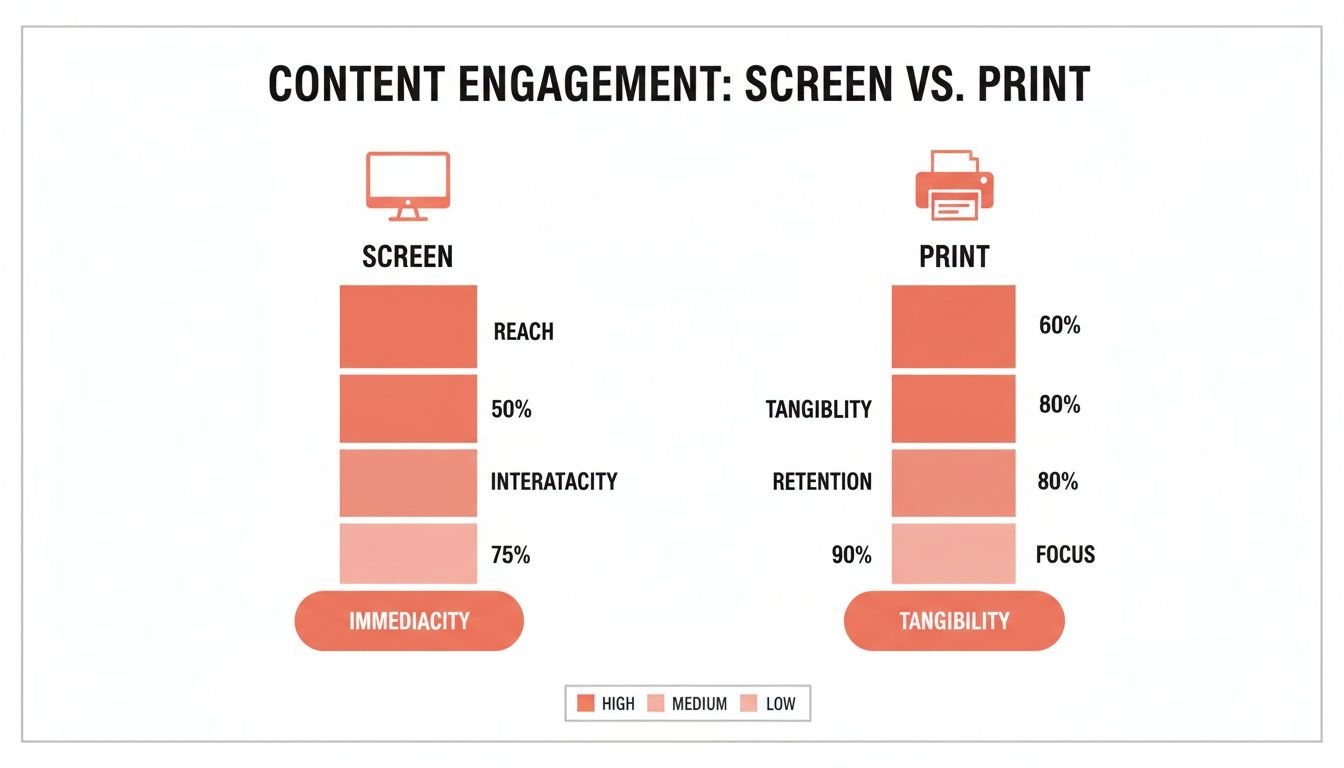
As you can see, the data needed for printing is on a whole different level. It reinforces why starting with a large, high-resolution photo is non-negotiable for a beautiful final product. By using the calculations above, you can confidently choose a photo that will become a cherished, gallery-quality blanket.
Checking and Improving Your Image Resolution
So, you’ve figured out the ideal pixel dimensions for your blanket. Great! The next step is making sure your favorite photo is up to the task.
Checking a photo’s resolution is a quick and simple process on any computer. More importantly, it’s the best way to guarantee your file has enough data to create a beautiful, sharp print and avoid the disappointment of a blurry or pixelated result.
Knowing how to find this information empowers you to select the best possible image before you even start designing your Custom Photo Blanket.
How to Find Your Photo's Dimensions
You don’t need any fancy software to check your image size. Both Windows and Mac have built-in tools that make it easy to find the pixel dimensions of any photo right on your computer.
For Windows Users:
- Find the image file you want to use.
- Right-click on the file and choose "Properties" from the menu.
- A new window will pop up. Click on the "Details" tab.
- Look for the "Image" section. You’ll see the "Dimensions," "Width," and "Height" listed in pixels.
For Mac Users:
- Locate the image file in Finder.
- Right-click (or Control-click) on the file and select "Get Info."
- In the panel that appears, expand the "More Info" section.
- You'll see the "Dimensions" listed right there, showing the pixel width and height.
Once you have these numbers, just compare them to the required pixels for your chosen blanket size. You’ll know in seconds if your photo is a perfect fit.
What If Your Favorite Photo Is Too Small?
It can be heartbreaking to discover a cherished photo doesn't quite meet the resolution requirements. Your first instinct might be to use an online tool to enlarge it, but this is almost always a bad idea.
Artificially blowing up a photo doesn't add any new detail; it just stretches the existing pixels. The result is almost guaranteed to be a blurry, low-quality image.
The single best thing you can do is find the original, high-quality source file. A photo's quality degrades every single time it's shared or compressed.
Always try to track down the photo straight from the camera or smartphone it was taken on. Avoid using versions you downloaded from social media, saved from a text message, or took as a screenshot. These are all compressed copies that have lost much of their original data.
Starting with the original is the secret to giving your custom blanket the sharp, vibrant, and beautiful finish it deserves. If you're struggling with a favorite picture, you can learn more about techniques for how to improve low resolution photos in our guide.
File Formats and Colors That Make a Difference
Beyond getting the DPI right, a couple of other key details play a huge role in the final quality of your Custom Photo Blanket. Choosing the right file format and understanding how colors translate from your screen to fabric will ensure your cherished memories look their absolute best. Think of these as the finishing touches that guarantee a vibrant, professional-quality keepsake.
When you're ready to upload your photo, you'll likely be working with a JPEG or PNG file. Both are excellent choices, but it's helpful to know which one works best for your specific image.
Choosing the Best File Format
For most photographic images, JPEG (or JPG) is the way to go. It’s designed to handle the millions of colors found in a photo while keeping the file size manageable, which makes for a quick and easy upload. This format strikes the perfect balance between high quality and efficiency.
PNG files are also a fantastic option, especially if your design includes text or has transparent areas. For a standard photograph, though, a high-quality JPEG will give you everything you need for a stunning print. You can find more details by reviewing our complete photo requirements to ensure a smooth process.
The most important takeaway is that both formats work wonderfully. Our system is built to handle either, so you can focus on what really matters—the resolution and quality of the original picture itself.
From Screen Colors to Fabric Hues
Have you ever heard the terms RGB and CMYK? They’re just two different ways of creating color. RGB (Red, Green, Blue) is how screens on your phone and computer create color using light. In contrast, our printers use CMYK (Cyan, Magenta, Yellow, Black), which involves mixing physical inks to create colors on fabric.
This difference is why the colors you see on your screen can sometimes look slightly different when printed. But here's the good news: you don't need to worry about this technical step at all.
Our professional printing process is expertly calibrated to handle the conversion from RGB to CMYK seamlessly. We make sure the colors printed on your blanket are as rich, vibrant, and true-to-life as the memory in the photo. This attention to detail is part of our commitment to creating a beautiful, lasting memento for you and your loved ones.
It's Time to Create Your Perfect Keepsake
You’ve got all the know-how you need to turn a favorite digital photo into a warm, huggable keepsake. It all comes down to three simple keys: always aim for 300 DPI, use the size calculations we walked through, and most importantly, start with your original, full-quality photo file.
Following these steps is the best way to make sure every little detail of your special moment is captured with stunning clarity. A Custom Photo Blanket is so much more than a gift—it’s a tangible piece of your family's story. It’s a warm reminder of a favorite vacation, a silly moment with a pet, or a family portrait that will be loved for years.
By prioritizing a high-resolution image, you're investing in the final quality of your blanket. It’s the difference between a beautiful, gallery-quality memento and a blurry disappointment.
From Your Screen to Their Arms
The relationship between a file’s resolution and how it looks in print can get complicated, but we’ve made our process as simple as possible for you. We build in quality checks and use advanced scaling to get the most detail from every photo we print, which is essential for delivering professional results. If you want to get into the weeds, these insights on resolution efficiency from blogs.loc.gov offer a deeper look at how claimed DPI often differs from real-world performance.
This commitment to quality makes our Custom Photo Blankets the perfect heartwarming present. Whether you’re getting a head start on holiday shopping this November or December, or you need a thoughtful surprise, a photo blanket is an unforgettable choice.
If you love turning memories into keepsakes, you might also want to explore other personalized photo gifts. Just like with our blankets, simple upload processes make it easy to create something beautiful that truly brings your family's story to life.
Got Questions? We’ve Got Answers.
Printing a cherished photo onto a cozy blanket can bring up a few questions. To make sure you feel totally confident creating your Custom Photo Blanket, we’ve put together some simple, clear answers to the things we get asked most often.
What Happens If I Use a Low-Resolution Photo for My Blanket?
If you upload an image with a resolution lower than our recommended 300 DPI, the final print on your blanket might look a bit blurry, soft, or even pixelated. Think of it this way: a low-resolution file just doesn't have enough "information" for our printers to create a sharp, crisp picture when it's enlarged to fit a whole blanket.
Our upload tool will usually give you a heads-up with a low-resolution warning. For the absolute best results, we always suggest using the original, highest-quality version of your photo straight from your phone or camera.
Can I Just Grab a Photo from Social Media?
We really, really recommend you don't use photos downloaded from places like Facebook or Instagram. To save space and load faster, these sites compress your images, which dramatically lowers their resolution and quality.
Even if a photo looks perfect on your screen, it probably doesn't have enough detail for a high-quality print. For a beautiful, sharp blanket, always track down the original photo file. It makes all the difference!
Does the Type of Photo File Matter?
Our upload tool is happy to accept all the usual suspects: JPEG, PNG, and HEIC. For most photos, JPEGs are the sweet spot, offering a great balance of high quality and a manageable file size.
Honestly, the most important thing isn't the file type but the image's resolution—its pixel dimensions. As long as your photo is large enough for the blanket you've chosen, any of these formats will help you create a beautiful, lasting keepsake.
Ready to turn a favorite memory into a cozy work of art? With That Blanket Co, making a stunning, high-quality Custom Photo Blanket couldn't be simpler. Start designing your perfect gift today!